Save
Low Fodmap Pasta Met Zalm En Roomkaas

Low Fodmap Pasta Met Zalm En Roomkaas

20 minutes
2 servings

Ingredients

Ingrediënten

  • gluten-free spaghetti
    150 g glutenvrije spaghetti
  • fresh spinach
    250 g verse spinazie
  • canned mushrooms or oyster mushrooms
    250 g champignons uit blik / oesterzwammen
  • lactose-free cream cheese
    125 g lactosevrije roomkaas
  • smoked salmon or fresh salmon
    150 g gerookte zalm of verse zalm
  • lemon juice
    1 dash citroensap
  • salt
    ½ tsp zout
  • pepper
    ½ tsp peper
  • parsley, spring onion greens or chives for garnish
    1 handful peterselie, lente-ui of bieslook

Instructions

Instructies

  • 1
    Breng een pan met water aan de kook en kook de pasta volgens de aanwijzingen op de verpakking.
  • 2
    Verhit een beetje olijfolie in een pan.
  • 3
    Als je verse zalm gebruikt kun je deze nu in stukjes snijden en een paar minuten bakken. Als je gerookte zalm gebruikt voeg je die op het einde toe.
  • 4
    Voeg de spinazie toe en bak een paar minuten tot het geslonken is.
  • 5
    Laat de champignons uitlekken en spoel ze goed af. Voeg deze bij de spinazie en bak ook even mee.
  • 6
    Als je oesterzwammen gebruikt, schrob je deze schoon en snijd je ze in stukjes. Daarna kun je ze toevoegen aan de pan en een paar minuten mee bakken.
  • 7
    Doe de roomkaas in een kommetje en breng op smaak met een scheutje citroensap, peper, zout en eventueel wat peterselie.
  • 8
    Doe de roomkaas bij de spinazie in de pan en laat een paar minuten doorwarmen, terwijl je regelmatig roert.
  • 9
    Als je gerookte zalm gebruikt: snijd de gerookte zalm in kleine stukjes en bak deze ook twee minuten mee.
  • 10
    Proef de pasta en breng eventueel op smaak met wat extra zout, peper of citroensap.
  • 11
    Giet de pasta af en verdeel deze over twee borden. Schep het roomkaas mengsel hier overheen. Garneer met wat verse peterselie, bieslook of het groene deel van lente-ui.
Made with

Save recipes

from anywhere

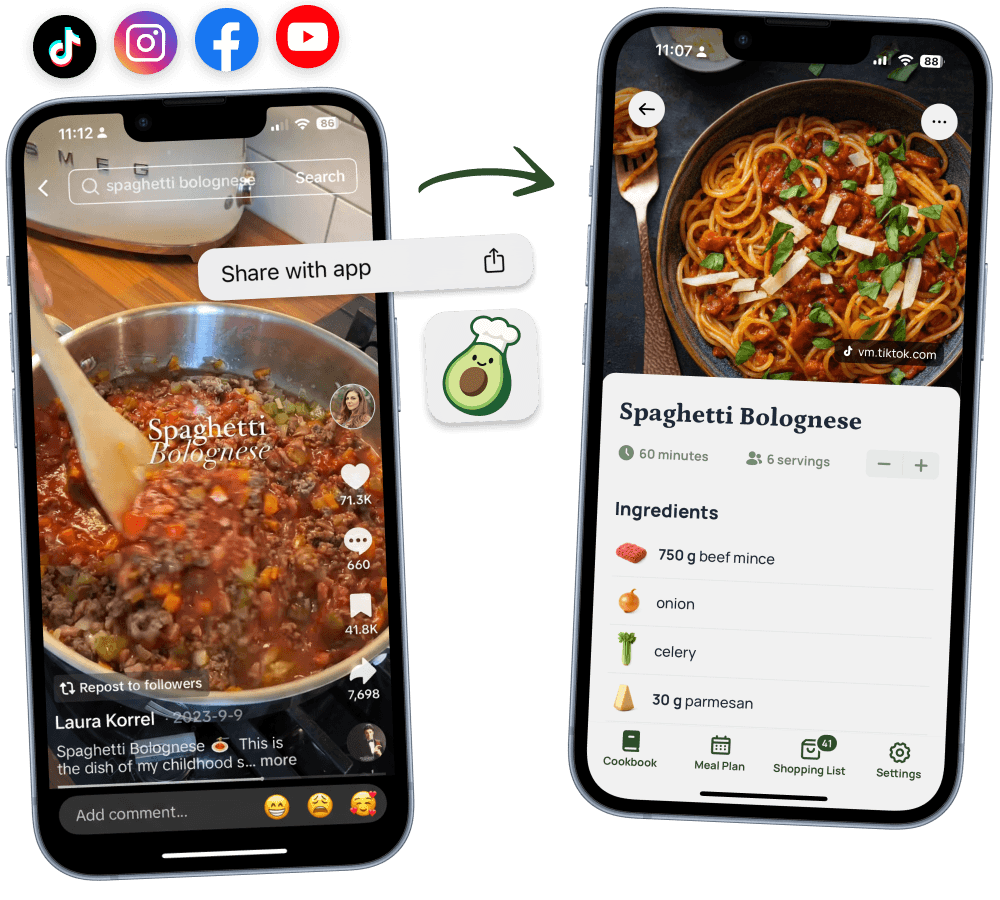
Save recipes from TikTok, Instagram, and any website – even photos of cookbooks and handwritten notes.

App StorePlay Store

4.8

Star Rating

10.000+

Happy Cooks

Import Recipe

Never lose

a recipe again

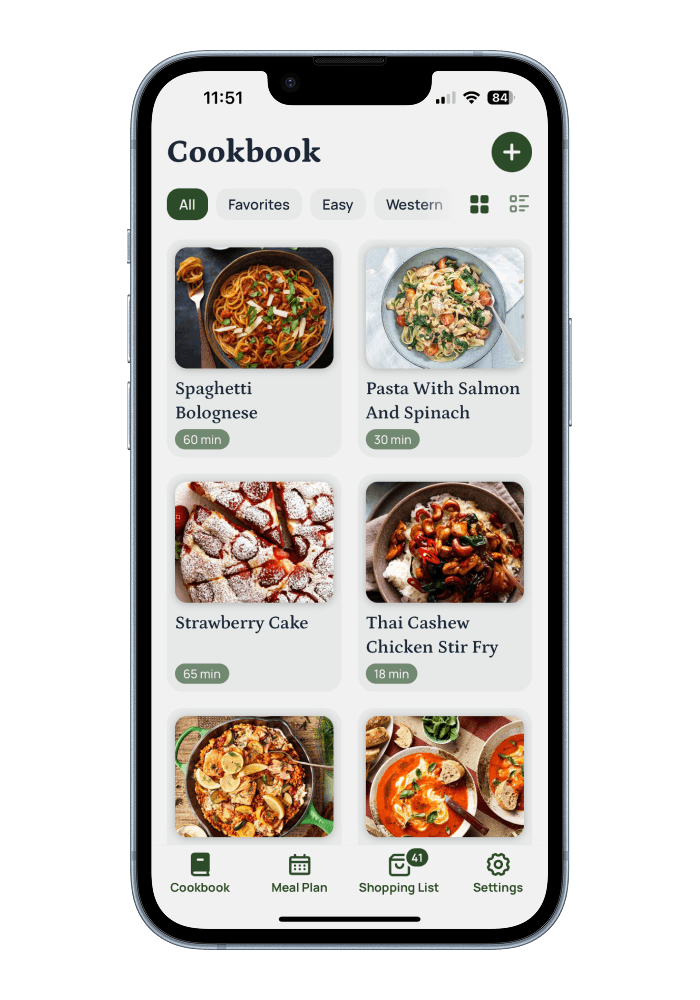
All your recipes organized in one place. Your personal cookbook, always in your pocket—ready whenever inspiration strikes.

App StorePlay Store
Avocadish Cookbook

Calorie count

in seconds

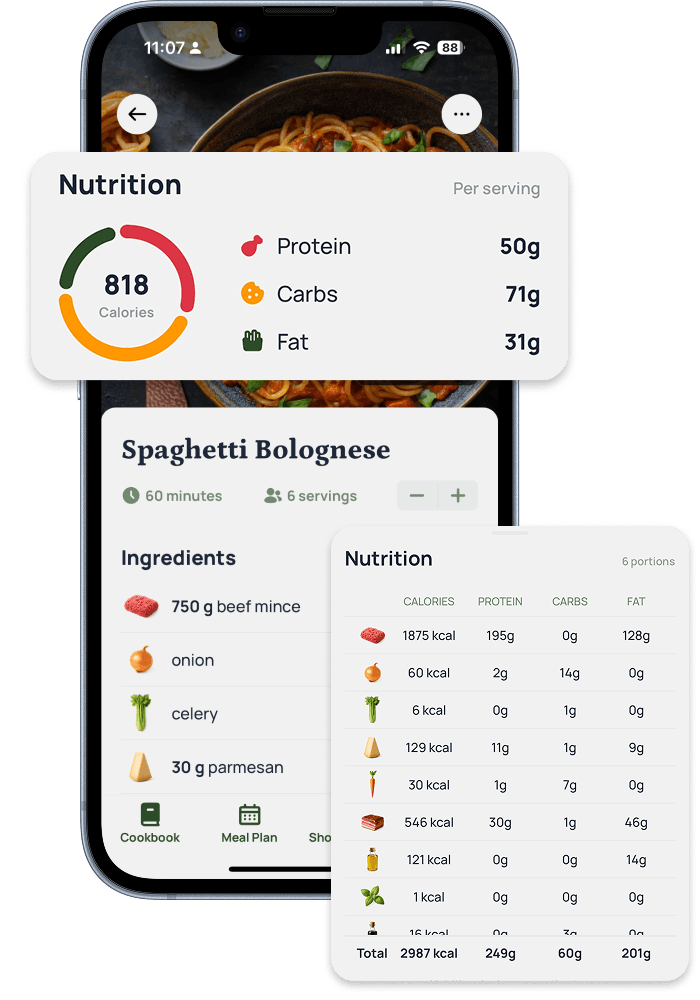
Every recipe comes with detailed nutrition info—calories, protein, carbs, and fat. View totals per serving or dive deep into each ingredient's breakdown.

App StorePlay Store
Nutrition Information

Meal plan

like a pro

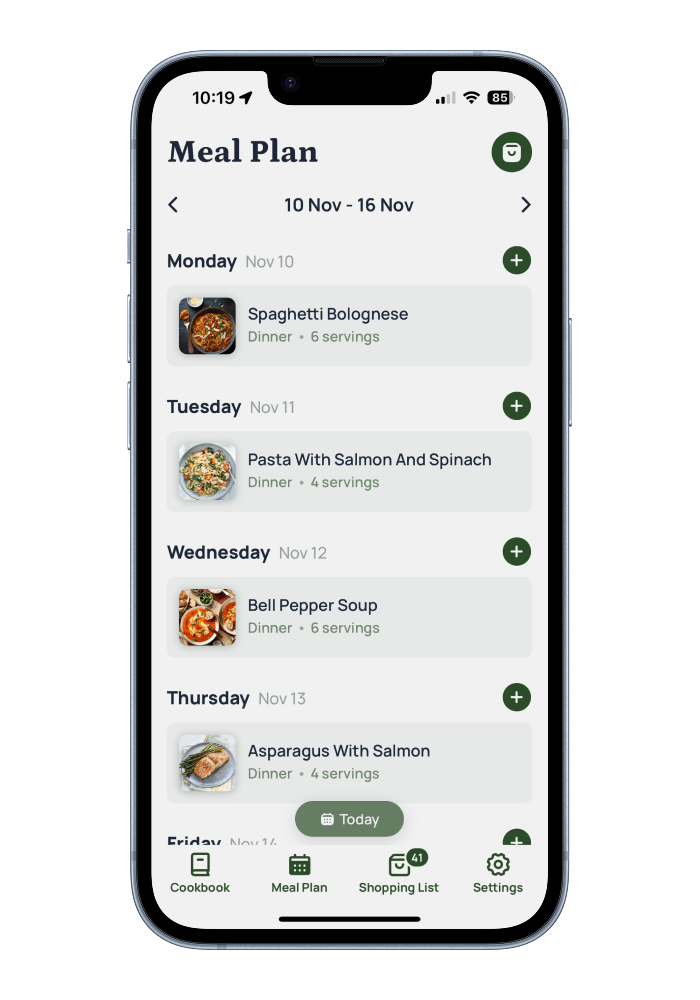
Organize your meals with a weekly planner. Add recipes to any day, adjust servings, and see your entire week at a glance. Meal planning made simple.

App StorePlay Store
Meal Planning

Automatic

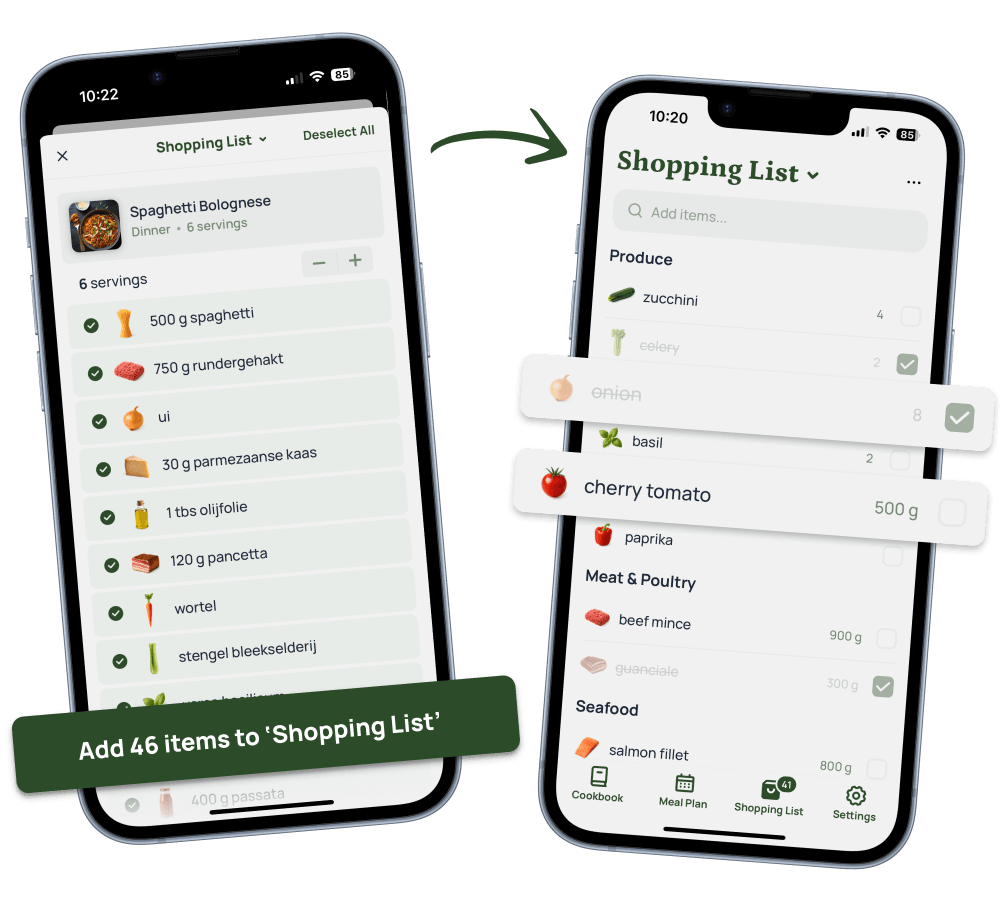
grocery lists

Turn your meal plan into a smart shopping list instantly. Ingredients are automatically organized by category, with quantities calculated for you. Check items off as you shop.

App StorePlay Store
Shopping List

4.8

Star Rating

10.000+

Happy Cooks

Worth every penny

I have imported all my saved recipes from Tiktok and Instagram. I'm addicted to this app! And the ingredients look so good.

Rachel Y.

Rachel Y.

Beautiful cookbook

I love how easy it is to create recipes from Tiktok videos! Now I have a beautiful digital cookbook.

Lara K.

Lara K.

Easy meal planning

Love how easy it is to create meal plans and grocery lists. I used to create notes, but now I just export the meals to my grocery list! Huge time saver!

Justin D.

Justin D.

Questions, Answered

Which platforms can I import recipes from?

Save recipes from your favorite social media platforms and websites. Import from Instagram, TikTok, Facebook, Pinterest, YouTube, and thousands of recipe blogs. You can even capture recipes from photos of cookbooks or handwritten recipe cards.

Is there a free plan available?

Yes! Our free plan lets you import up to 10 recipes at no cost. You'll have access to all core features including recipe organization, mealplans, and grocery lists. Upgrade anytime to unlock unlimited recipe saves and advanced features.

What sets Avocadish apart from other recipe apps?

Avocadish combines powerful AI with a beautiful, intuitive interface. Our smart recipe extraction works across more platforms than any other app, while automatic nutrition calculations save you time. Every recipe is instantly synced across your devices and saved in the cloud.

How reliable is the recipe extraction from photos?

Our AI-powered extraction technology delivers highly accurate results from photos, screenshots, and even handwritten recipes. The system intelligently identifies ingredients, quantities, and cooking instructions. Accuracy depends on image quality and whether all details are clearly visible in your photo. While results are excellent in most cases, you can always edit any details to ensure perfection.

Can I import recipes from my favorite food blogs?

Absolutely! Import recipes from virtually any recipe website or blog. Simply share the webpage directly to Avocadish, and we'll extract all the important details—ingredients, instructions, photos, and more — automatically.

What happens to my recipes if I downgrade to the free plan?

All your recipes stay safe and accessible. You can still view, cook from, and organize all previously saved recipes. The free plan only limits importing new recipes to 10 total. You won't lose any of your existing content when you switch plans.